

Translating with Gmail
It is possible to translate foreign languages with Google Gmail.
You can translate via Gmail from your desktop computer or log on to Gmail from your mobile browser to translate any emails in a foreign language.
Desktop Browser
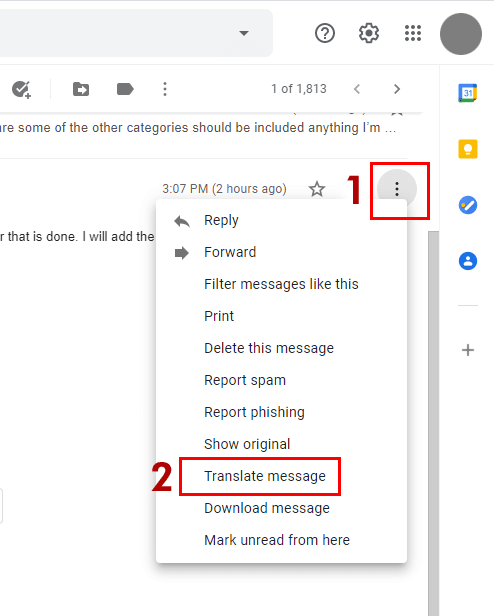
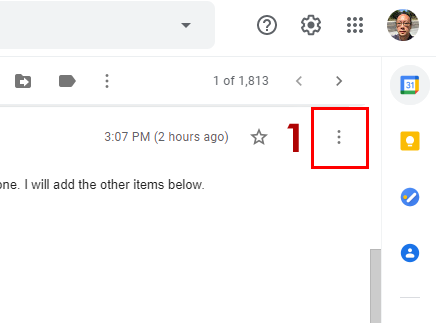
- Go to the email that you wish to translate, click on the three vertical dots
- Then go to the select “Translate Message”.
Mobile Browser and Gmail App.
Gmail translation on the Gmail App and Mobile Gmail is based on Gmail detecting that the language in the message. All translations are determined by the language sent to you that Google considers a foreign language. If Mobile Gmail detects that the message is in a foreign language. It will show you the “Translate Message” function in the “More” down arrow menu next to the message.
It is easier to locate the tranlate message function on the desktop browser.