Facebook Ads
Setting up a Facebook ad is very straightforward.
Setup Facebook Ad Campaign
The Facebook Ad Manager is the place where we set up the ad campaigns. This includes setting up the target audience, ad placement, and campaign budget. A setup wizard will help guide us through the setup process when we first start to set up an ad. The setup wizard will then prompt us to answer a series of questions about our ad. Remember, the ads will run once the ad has been approved by Facebook. You need to remember that Facebook is set up to have the ads run over the budget by 25%.
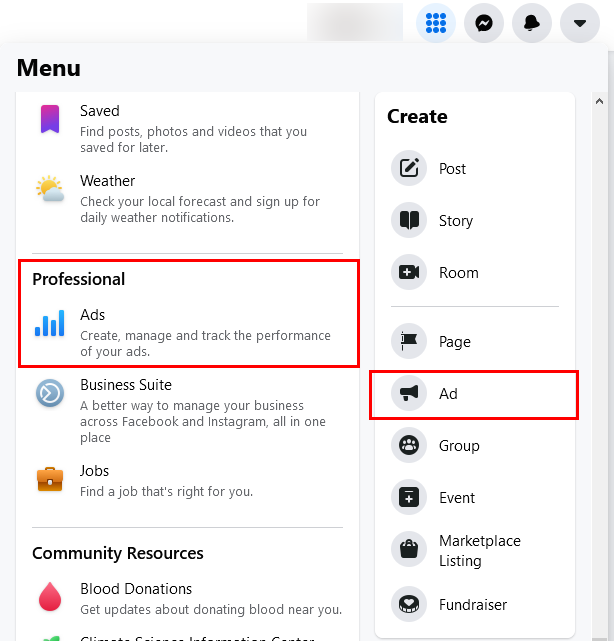
Menu Location for both Ads and Professional ads.
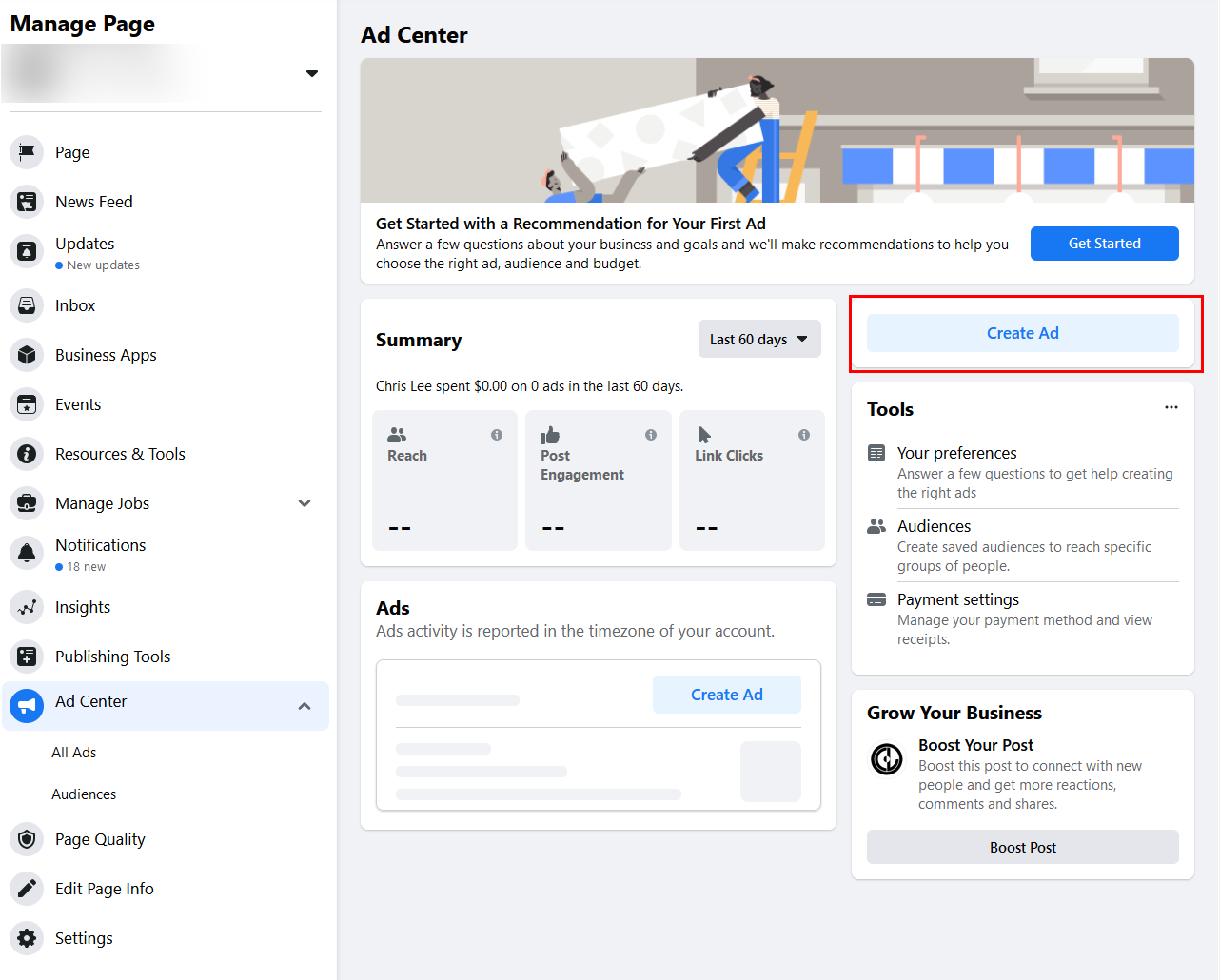
Click on "Creat Ad" to build an ad.
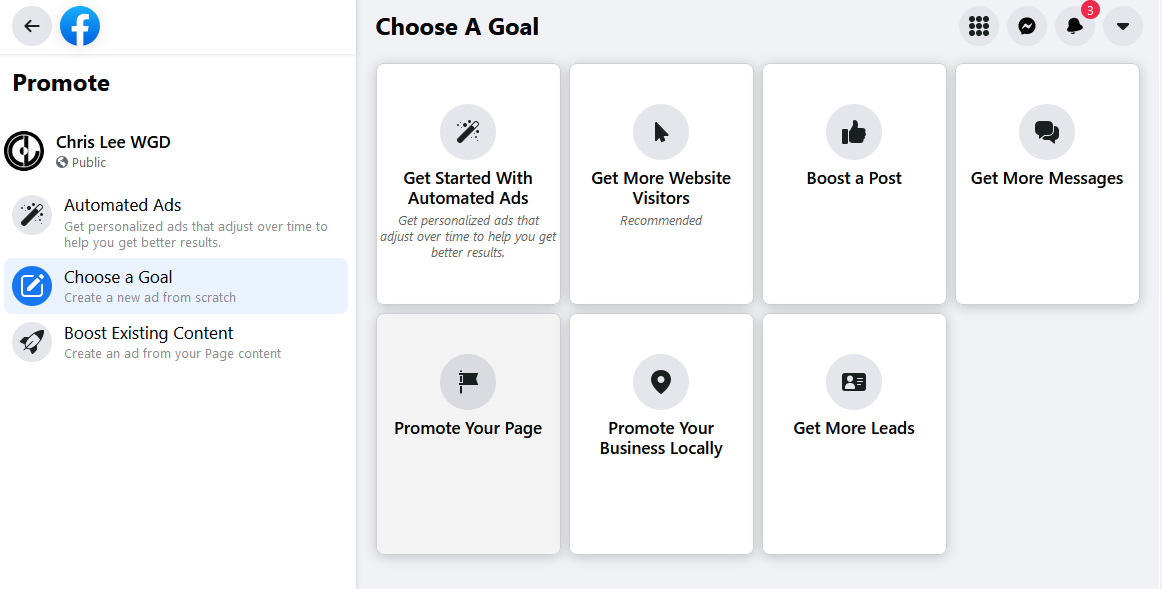
Choose a type of ad for the Ad campaign.
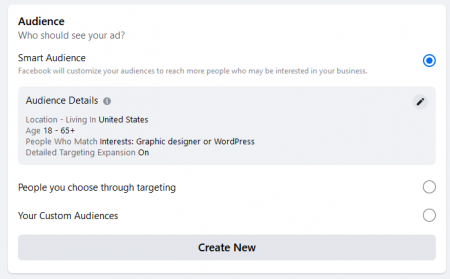
Target Audience Targeting
We need to decide on what our target audience is. In this phase of your campaign setup, you have two options:
- Create a new Facebook target audience
- Use a Saved Audience – we would have to have already created and saved a Facebook audience.
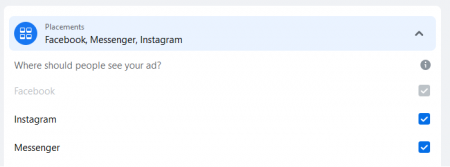
Ad Placement
Decide on where the ads will run. Do you want to advertise on Facebook or Instagram? What location will the ads run in? Facebook, Instagram, Audience Network, or Facebook Messenger?
For further information, click here.
Campaign Budget
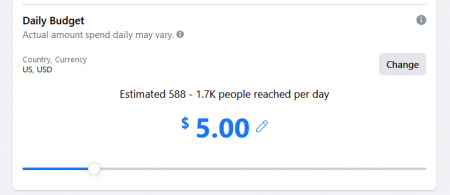
Like other advertising platforms, we have to decide on a Daily Budget. We will be bidding for the position that the ads will appear in. Like Google Ads, we will be paying CPC or PPC.